


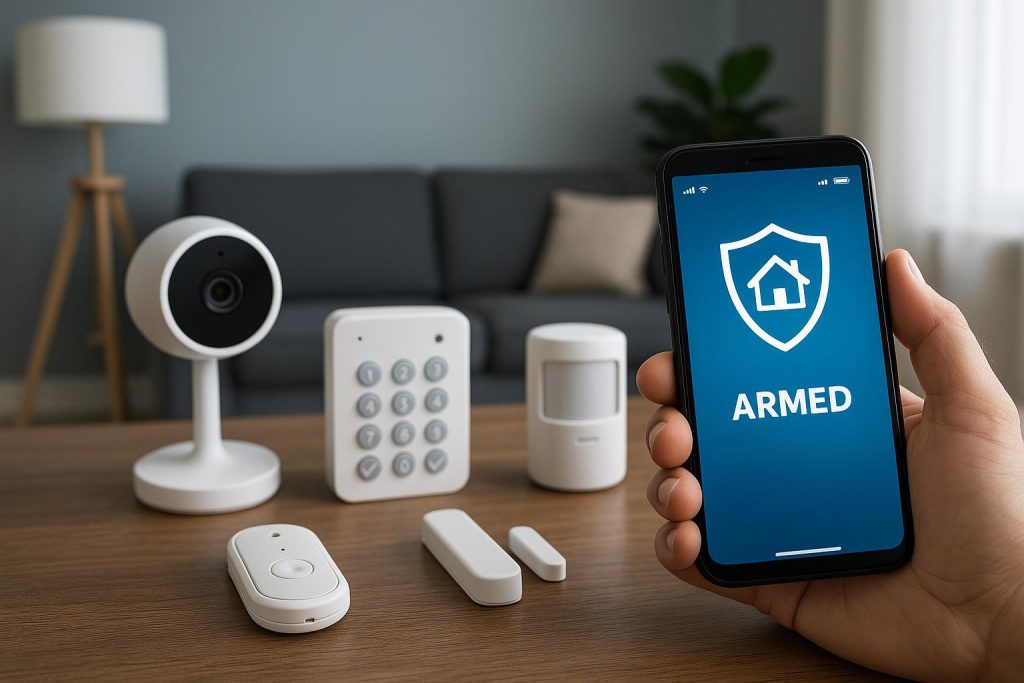
Several months ago, Vivint Home Security launched a new package known as HomeProtect. The package offers a number of great features, including affordability and no-contract service. It also offers full system control via the Vivint app. But what does this mean exactly? And why does it matter?
The modern home security system has officially migrated from the front door keypad to the smartphone you hold in your hand. Full system control via a mobile app is no longer an add-on, or an extra paid service. It is the standard. Security providers have made it so because the smartphone has become the primary interface through which we do nearly all things digital.
Full System Control Defined
‘Full system control’ describes the ability to fully control every aspect of an electronic system from a single location. Imagine a machine shop that relies on robotic testing machines to inspect finished parts for proper tolerances. Although the robot runs independently when it is checking apart, a human technician can still control it from a computer terminal. Every aspect of the robot – from programming to inspection deployment – is controlled in that one centralized location.
The same goes for home security. Traditionally, full system control was contained within a centralized hub. That control was exercised through an alphanumeric keypad installed by the front door. In the early 2000s, control was enhanced with the introduction of tabletop consoles. Now we can control home security devices with a smartphone.
A smartphone app offering full system control should let you:
- See Video – You should be able to view both live and recorded video through your phone. Likewise, a camera triggered by movement to begin recording should also send a real-time alert to your phone.
- Manage Access – Your smartphone app should allow you to manage access to your home remotely. Provided you have the appropriate devices installed, you should be able to lock and unlock the front door, open and close the garage door, etc.
- Monitor the Environment – Full system control allows you to monitor the environment in and around your home. You can monitor water, smoke, and carbon monoxide.
- Deter Crime – A phone app should give you the ability to deter crime by taking action as soon as an alert comes in. For example, scare away a would-be porch pirate by warning him to leave the smartphone app and video doorbell you just installed.
- Create Automations – Your smartphone app is your gateway to all sorts of automations that make your system more usable. Whether home or away, you can create, modify, delete, and override automations.
The long and short of it is that a smartphone app offering full system control completely eliminates the need for a central hub. Your phone becomes the hub. And because you take your phone with you everywhere, you also take control of your home security system with you.
How It All Works
The magic of a home security app is found in its underlying code. It is able to do what it does thanks to a sophisticated digital handshake that occurs across three layers of technology:
- Local – The local layer is the layer at which your devices are found. Every sensor, camera, etc. that detects a physical change communicates that change using a particular protocol like Z-Wave, ZigBee, or even Matter.
- Hub – The hub layer is where all the devices connect. There is usually a hub of some sort, even if system control is handled by a smartphone. Devices like Amazon Echo and Google Nest can perform this function.
- User – The user layer is where your control device is found. In this case, it is your smartphone. Your phone receives signals from the hub, figures out what to do next, and then sends information back through the hub if necessary.
All of this happens at breakneck speed – usually in under two hundred milliseconds – making things feel seamless a nearly instantaneous. However, depending on the system’s configuration, homeowners sometimes experience a bit of latency. It could take a second or two for their systems to respond to a trigger or command.
The Need for a Centralized Hub
Embedding full system control into a smartphone app, like Vivint has done with HomeProtect, raises the question of whether a centralized hub he still necessary. Technically, it’s not. But most people would still benefit from a hub, anyway. Let us take a look at both scenarios.
1. With a Hub
Vivint and other home security providers still recommend hubs (even in tandem with their smartphone apps) because they add an extra layer of control. A hub acts as a local brain so that, even if your Wi-Fi or internet goes out, it can still manage your home security devices.
Another consideration is how you build your system. If you choose to go with a packaged system like HomeProtect, you could technically get by without a hub. But if you choose to build a system using devices from several manufacturers, dispensing with a hub means having to deal with multiple apps that lack cohesiveness and unity.
2. Without a Hub
DIY home security manufacturers are trending toward the no-hub model. They are eliminating the hub in order to reduce retail costs and present systems to customers with less clutter. Each device connects separately to your Wi-Fi network where it is located by the smartphone app.
The big disadvantage here is the risk of a single point of failure. If your Wi-Fi router goes out, all your devices are unavailable. Even if you have separate apps for each device, no Wi-Fi means your phone cannot connect to them.
Control Regardless of Hub
Getting back to full system control, whether your system has a hub is less important than whether you can control every device from a single digital location. That sort of control is what makes modern home security so powerful. Being able to control cameras, locks, etc. from literally everywhere in the world changes the home security paradigm.