


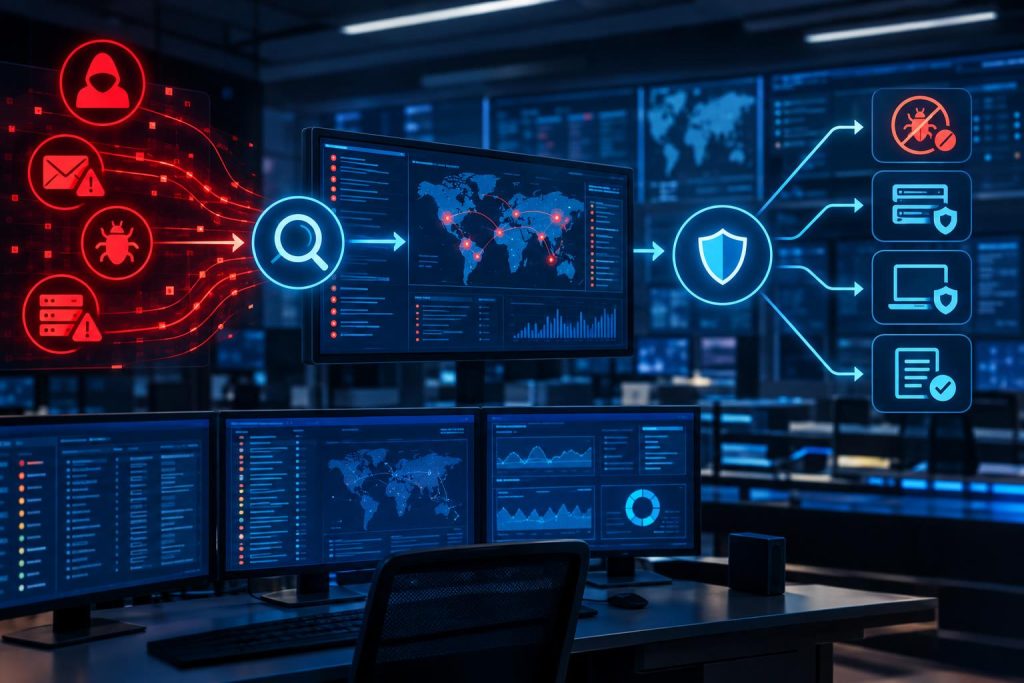
Something suspicious just showed up in the logs. It might be nothing — a misconfigured service, a user who fat-fingered a password. Or it might be the early signal of a breach that’s been quietly unfolding for days. The difference between catching it now and catching it after the damage is done often comes down to how well the security operations function is actually working. Not the tools. The function.
Understanding Security Operations and Threat Detection
The fuller picture of Security Operations and Threat Detection covers how security specialists and IT staff share accountability — security teams watch for what looks wrong, while IT knows which systems actually matter and what can’t go down. When those two groups operate in isolation, problems tend to stay hidden until they matter.
A Security Operations Center houses the centralized security function. A dedicated team handles incoming alerts and looks into what triggered each one. When something needs a real response, that team drives it. But a SOC is a function, not a synonym for the whole operation. SecOps is wider — the collaboration between security and IT, and the agreed process for raising something that looks wrong.
How Security Teams Detect Suspicious Activity
Detection starts with visibility. If a team can’t see it, they can’t flag it. That means pulling in activity from endpoints, network traffic, and cloud services, along with what’s happening in business applications and user accounts. All of it running continuously. Batching by day creates gaps that surface at the worst time.
One alert on its own rarely tells you much. A failed login could be a typo. But repeated authentication failures on the same account, combined with an unusual access attempt a few minutes later? That combination is worth a look. Security teams are watching for patterns across events. The loudest alert in the queue isn’t always the most important one.
And the monitoring doesn’t stay static. As the organization shifts, the coverage has to keep pace. Applications accumulate. Teams restructure around them. Frankly, detection gaps are rarely discovered at a convenient time — they tend to surface during an incident, when it’s too late to close them cleanly.
Investigating and Validating Potential Threats
When an alert comes in, the first question isn’t ‘what do we do about this?’ It’s ‘is this actually a problem?’ Alert triage is about narrowing it down fast. Which system? Whose account? If the damage estimate is wrong from the start, the response gets scoped incorrectly too. Analysts pull logs and compare events across systems. If the behaviour matches anything previously flagged as malicious, the investigation deepens.
Teams that improvise the documentation later end up with incomplete records when the incident gets revisited, or worse, when it turns into something bigger. Malicious activity gets escalated through agreed channels. Whatever doesn’t pan out gets documented as closed, with the reasoning recorded. Both leave a trail — which matters when someone asks why a call was made weeks later.
How Security Operations Teams Respond to Confirmed Threats
Confirmation changes the question. It’s no longer ‘is this real?’ It’s ‘how do we stop it from getting worse?’ If a device is involved, it comes off the network. An account that was used as the entry point gets disabled. Whoever had those credentials can’t do much with them after that. The goal at this stage isn’t resolution. It’s stopping the spread while the investigation continues.
After containment, teams work backward. How did this happen? What enabled it? Whatever made the breach possible has to be cleaned up before systems go back into production — misconfigured access, a stale credential, an unpatched service. That’s exactly what SecOps response practices emphasize. An incident response plan that nobody has practiced isn’t worth much when things go sideways.
The Role of Threat Intelligence and Proactive Hunting
Alert-driven detection has a ceiling. Something has to fire before anyone looks. Threat intelligence shifts that. When a technique is appearing in threat reports, analysts look for matching early indicators in their own environment. If they show up, detection rules get updated before anything fires.
But threat hunting goes further still. Analysts ask questions that monitoring tools haven’t thought to ask yet, then dig through available data looking for patterns automated systems may have passed over. It’s slow work. It doesn’t always find something. Honestly, the value is as much in what it reveals about monitoring gaps as in the threats it surfaces directly.
If those functions are still being defined or haven’t been reviewed in a while, the security operations and incident management guide goes into the underlying practices and responsibilities in more depth. Most teams find gaps when they read it.
Improving Response Efficiency Through Security Automation
Analysts spend more time than they’d like on administrative work — gathering alert details and tracking down who actually gets notified. Automation can handle all sorts of that consistently, which frees up attention for the decisions that actually need a person.
But automation isn’t a free pass on oversight. Disabling an account mid-incident carries real consequences if it’s the wrong call. So does isolating a device that turns out to run something business-critical. Organizations have approval processes for a reason. Automation handles the information-gathering and prep effectively. The calls on anything that could interrupt a service are better left to a person.
Measuring and Improving Security Operations Performance
If nobody’s measuring how detection and response are performing, it’s hard to know whether improvements are actually working. Detection time and response time are the starting point. How accurate the alerts actually are, and how long resolution takes in practice, tend to surface the harder problems.
Post-incident reviews are where a lot of this gets surfaced. What happened? How was it detected? Findings from those reviews feed back into alert rules and escalation procedures. Frankly, teams that skip the review are setting themselves up to handle all sorts of the same incidents again, just without the lessons from the first one.
Final Thoughts
Security operations isn’t a product you buy and configure once. It’s a function that has to keep up as the business moves. Applications accumulate. Teams restructure. Infrastructure shifts. What covered the gaps last year might be missing something today. Is the monitoring still pointed at the right things? An incident will make the gaps obvious eventually — better to find them during a review than during a response.
Frequently Asked Questions
What does SecOps mean?
Security operations, or SecOps, brings security and IT teams together instead of letting them run as separate functions. Shared accountability sits at the core — the environment watched consistently, with a clear path to whoever handles escalation when something looks wrong. That handoff during an incident matters more than most teams realize until they actually need it.
Why are security operations important?
Because threats don’t wait for quarterly reviews. A team working without continuous monitoring is operating on yesterday’s picture. That might be fine right up until the attack started this morning. Honestly, the question isn’t whether security operations matter. The real question is whether the investment level actually reflects the risk the organization is carrying — most teams find out it didn’t only after something goes wrong.
What is the difference between SecOps and a SOC?
A SOC is a dedicated team focused on the centralized security function. Alerts land there and get investigated. When something actually needs a response, the SOC coordinates it. A SOC can exist within a SecOps model, but SecOps doesn’t require one. The value comes from how well security and IT actually talk to each other — not from how many people are formally assigned to it.
How can organizations improve security operations efficiency?
Clear responsibilities come first. If nobody knows who handles escalation at 2am, that becomes obvious at the worst possible moment. Automation takes on the administrative side, including information gathering and record prep, which frees analysts up for the calls that actually require judgment. And regular performance reviews keep the whole system honest about whether it’s actually improving or just staying busy.