


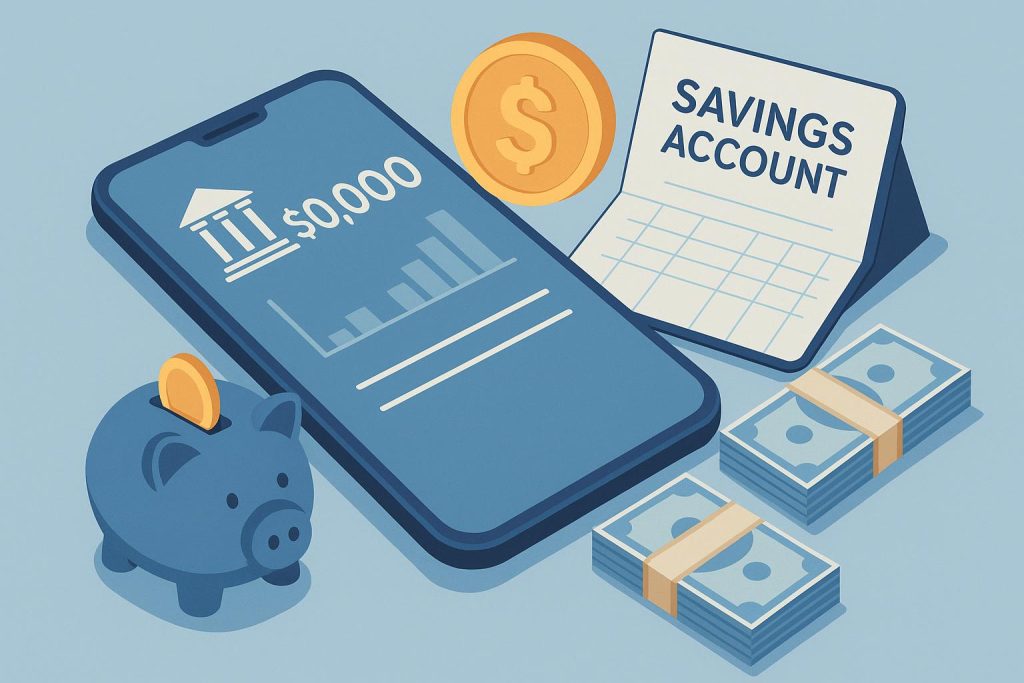
A savings account is where most people keep their everyday money. It may hold income from work, business earnings, family transfers, or funds saved for future needs. Money moves in and out of this account regularly through withdrawals, bill payments, and digital transfers. Without proper monitoring, it becomes easy to lose track of expenses and savings.
Mobile banking has made it easier to stay aware of these activities. With a banking app, you can check balances, review transactions, schedule payments, and move funds in just a few steps. These tools make account management more organised and convenient. This article explains how you can manage your savings account more efficiently with the help of mobile banking.
1. Check your balance and transactions often
Many people open the banking app only when they need to send money. That habit limits control. Instead, check your savings account balance, recent debits, and credits at least once a day. A quick review helps you spot failed auto-debits, duplicate payments, or low balances before they turn into charges or missed obligations.
Many banking apps also provide downloadable statements that help you track spending patterns and plan future savings.
2. Organise regular payments
Mobile banking should help you plan, not just pay. Use it to handle rent, utility bills, recharge, insurance premiums, school fees, or Systematic Investment Plan (SIP) instalments on fixed dates. Bill payment options are widely available through Indian bank apps, and standing instructions can help with repeat transfers. This approach keeps your monthly outflow organised. It also reduces the chance of missing a due date and paying penalties.
When you clearly know how much money leaves your account and the exact date of each payment, it becomes easier to manage your savings account online with discipline and confidence. However, careful planning is crucial. Always ensure sufficient funds before scheduling automatic payments. Otherwise, the transaction may reduce your balance below the required limit.
3. Set alerts and notifications
Transaction alerts and notifications help you stay updated about every activity in your savings account. Most mobile banking apps allow users to enable instant alerts for deposits, withdrawals, bill payments, and fund transfers. These notifications appear via SMS, email, or app alerts on the phone.
Regular alerts allow you to monitor account activity in real-time and detect unauthorised transactions quickly. Immediate information also helps you track spending and maintain better financial discipline. For example, a notification after every payment reminds you to adjust your spending for the rest of the month. This keeps you informed without constant manual checking.
4. Maximise earnings with smart tools
Do not let your surplus cash sit idle at a low interest rate. Mobile banking apps provide several tools that help you earn more from your savings account.
- Auto sweep facility: Banks automatically transfer any balance above a set threshold from your savings account into a linked fixed deposit. This useful option lets you earn FD-like interest on idle funds and, at the same time, keep the money accessible whenever you need it.
- Recurring Deposits (RDs): Mobile banking apps allow you to start an RD in minutes by selecting a fixed monthly amount. You can build savings gradually while earning stable interest over time.
- Linked investments: Some banking apps allow direct investment in mutual funds from your savings account. These investments offer the potential for better long-term returns compared to the basic interest earned on a savings balance.
With such helpful tools, even small surplus amounts in your account can contribute to long-term financial growth.
Closing note
Mobile banking can help you manage a savings account with more control and less effort. It allows you to monitor balances, review transactions, schedule bill payments, and receive instant alerts from one place. You can also move surplus funds into options such as FDs, RDs, or other investments like mutual funds that may offer better returns.
This way, your savings account does more than hold hard-earned money. It helps you stay organised, avoid mistakes, and make better financial decisions in day-to-day life. That is what efficient account management should actually look like.