


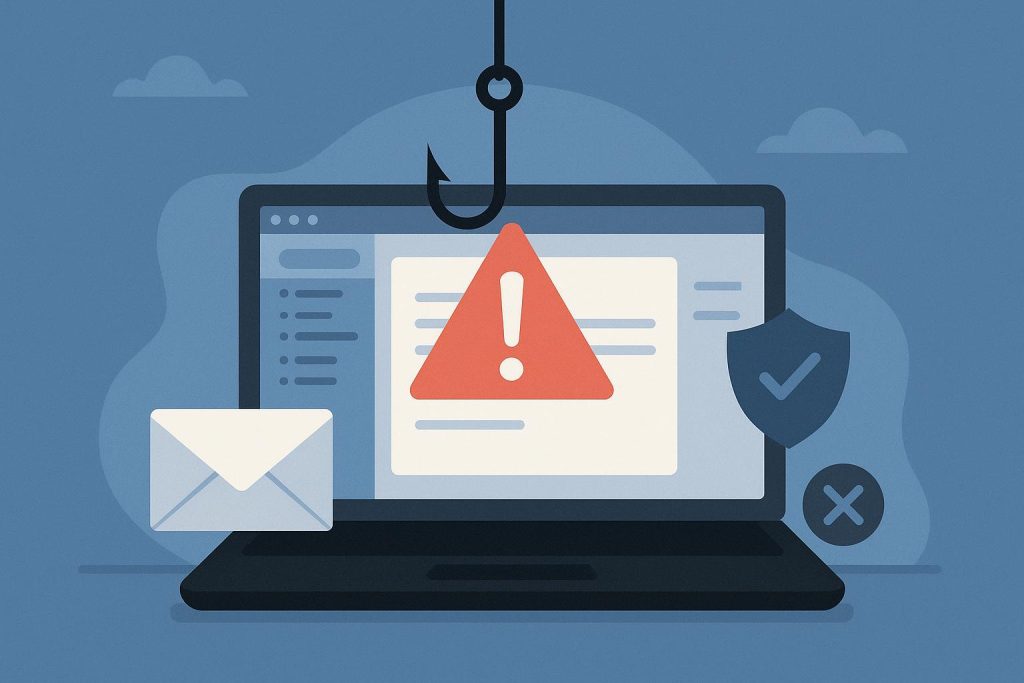
You know that little pause before you click a link in an email? Trust it. That half-second of hesitation is doing more for your security than most antivirus software.
Phishing isn’t some rare, exotic attack anymore. It’s the front door attackers use for almost everything else. According to Verizon’s 2025 Data Breach Investigations Report, phishing and other forms of social engineering contribute to more than 60% of data breaches, and CISA has said over 90% of cyberattacks start with a phishing email. That’s not a niche threat. That’s the main event.
The good news: phishing emails almost always leave fingerprints. Once you know what to look for, spotting them gets a lot easier — and a lot faster than you’d think.
Why Phishing Still Works So Well
You’d think after two decades of “don’t click suspicious links” warnings, phishing would have fizzled out. Instead, it’s scaling up. The Anti-Phishing Working Group tracked roughly 3.8 million phishing attacks across 2025, and researchers expect AI-written lures to push that volume even higher this year, since generative tools make convincing emails cheap and fast to produce.
The reason phishing keeps working isn’t technical brilliance. It’s psychology. These emails are built to create urgency, fear, or curiosity fast enough that your brain skips the verification step. “Your account will be suspended in 24 hours” hits differently at 11 p.m. when you’re tired and scrolling your inbox on autopilot.
Common Types of Phishing You’ll Actually Encounter
Not all phishing looks the same, and knowing the variety helps you stay alert across channels, not just your inbox.
- Mass phishing — generic, sent to thousands of people at once, hoping a small percentage bite.
- Spear phishing — targeted at a specific person, often using details pulled from LinkedIn or a company website to feel personal.
- Business Email Compromise (BEC) — impersonates a boss, vendor, or finance contact to request a wire transfer or gift card purchase. The FBI’s Internet Crime Complaint Center logged over $2.7 billion in BEC losses in a single recent year, which tells you how effective this one is.
- Smishing and vishing — the same tactics delivered by text message or phone call instead of email.
For a deeper breakdown of how these threats slip past everyday habits, the guide on what a social engineering attack actually looks like is worth a read.
The Red Flags That Give Phishing Away
Here’s the part that actually matters day to day. Most phishing emails share a handful of tells, and you don’t need a cybersecurity degree to catch them.
1. A mismatched sender address. The display name might say “Microsoft Support,” but the actual email address is something like support@micr0soft-alerts.net. Always check the full address, not just the name.
2. Urgency dressed up as importance. Real companies rarely demand immediate action within hours. “Verify now or your account gets locked” is a pressure tactic, not standard customer service.
3. Generic greetings. “Dear valued customer” instead of your actual name is a small thing, but it’s a real signal — legitimate services you have accounts with usually know who you are.
4. Links that don’t match their text. Hover over any link (don’t click) and look at where it actually goes. A link labeled “Login to your account” that points to a random domain is a dead giveaway.
5. Unexpected attachments. Invoices, shipping labels, or “voicemail” files you weren’t expecting are a classic malware delivery method, especially in .zip or .html formats.
6. Requests that bypass normal process. If your “CEO” emails asking you to buy gift cards or wire funds outside your usual approval workflow, that’s a BEC attempt, full stop.
7. Slightly off branding. Fuzzy logos, odd fonts, or a footer with the wrong company address often mean the email was cloned quickly and carelessly.
None of these signs alone proves an email is fake. But when two or three show up together, treat it as phishing until proven otherwise.
What to Do When You Spot One
Don’t click, don’t reply, and don’t forward it to “ask a coworker if this looks real” — that just spreads the risk. Instead:
- Report it using your email client’s phishing/report button, or forward it to your IT or security team.
- Delete it once it’s reported.
- If you already clicked a link or entered credentials, change that password immediately and enable multi-factor authentication if you haven’t already.
- If money moved, contact your bank right away — speed matters far more than most people realize in wire-fraud cases.
For teams handling higher volumes of suspicious mail, the practices outlined in these email security best practices go further into filtering, authentication protocols, and inbox-level protections that catch a lot of this before it reaches you at all.
Building the Habit, Not Just the Knowledge
Recognizing phishing isn’t a one-time skill you learn and forget. Attackers update their templates constantly, and AI-generated emails are getting harder to distinguish by grammar alone — the old “look for typos” advice is losing relevance fast.
What still works is slowing down. Verizon’s research found the median time between someone opening a phishing email and clicking its link is around 21 seconds. That’s barely enough time to read the subject line twice, let alone verify anything. Building in a deliberate pause — even five extra seconds to check the sender address — closes most of that gap.
Phishing isn’t going away, and honestly, it’s probably going to get more convincing before it gets easier to spot. But the fundamentals haven’t changed: check the sender, question urgency, hover before you click, and when something feels slightly off, it usually is.
Quick Answers to Common Questions
Can a phishing email come from someone I actually know?
Yes, more often than people expect. If a contact’s real account gets compromised, attackers can send phishing emails from that legitimate address, which is exactly why odd requests deserve a second look even from familiar senders. A quick phone call to confirm an unusual request beats a costly assumption every time.
Is it safe to unsubscribe from a suspicious email?
Not always. Clicking “unsubscribe” on a genuinely malicious email can confirm your address is active and lead to more targeted attempts later. If the email looks fake rather than just annoying, report or delete it instead of interacting with any link inside it.
Do phishing emails always contain spelling mistakes?
Not anymore. That used to be a reliable tell, but AI writing tools have largely erased the broken-grammar giveaway. Treat the absence of typos as no guarantee of legitimacy, and lean on the sender address, link destination, and urgency cues instead.
What’s the single most useful habit to build?
Verifying requests through a second channel. If an email asks for money, credentials, or sensitive data, confirm it through a phone call, a separate message, or a direct visit to the official website rather than anything in the email itself. It takes an extra minute and it closes off the vast majority of successful phishing attempts.