


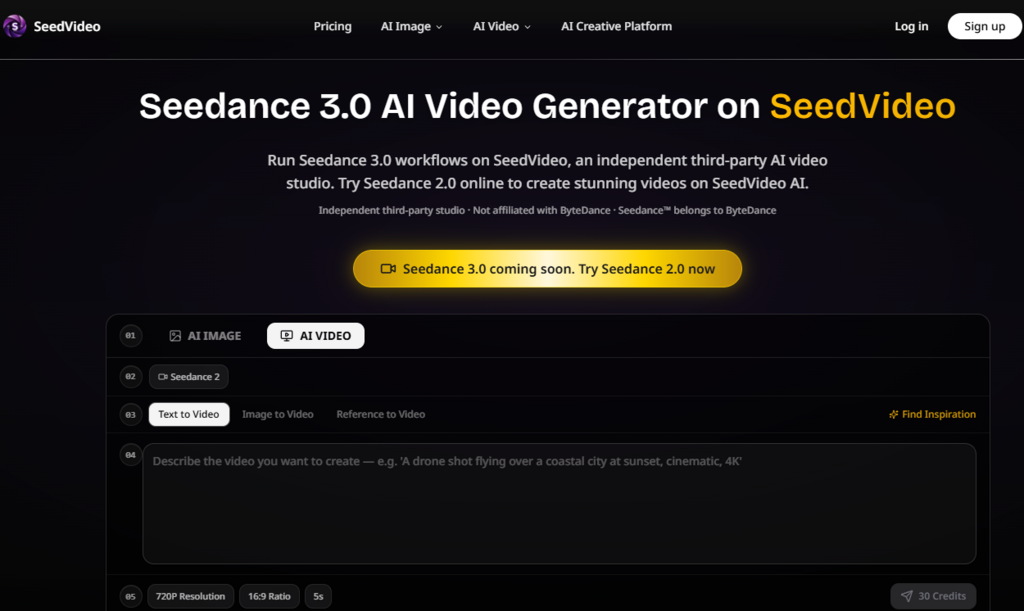
The AI video space has spent the last eighteen months obsessed with a single metric: how fast can a model generate a clip? Runway, Pika, and the rest have all played the speed game, competing over seconds per generation as if the only friction in video production was the render time. But anyone who has actually tried to produce something usable knows the real drain isn’t the generation fee—it’s the endless review cycles, manual rework, and wasted prompt engineering. Speed doesn’t matter if you’re burning generations on guesses. Seedance 3.0 runs through an independent studio that approaches this problem from a different angle, building its workflow around the idea that the cost of iteration—not the cost of generation—is what actually determines whether a tool is practical for real production.
The Hidden Math of AI Video Production
Before looking at any specific tool, it’s worth understanding why iteration cost matters so much in practice. A typical text-to-video workflow goes something like this: write a prompt, generate a clip, review it, realize the character’s face drifted or the camera move was wrong, rewrite the prompt, generate again, review again, spot a new issue, repeat. Each cycle consumes credits and time, but more importantly, each cycle introduces new variables. The prompt that fixed the face might break the lighting. The lighting fix might alter the background. The background adjustment might change the motion.
The math gets brutal quickly. If a single usable clip takes an average of five generations to get right, a five-second output effectively costs five times the listed per-generation price. For a 30-second sequence, that multiplier compounds across shots. The generation speed—how many seconds the model takes to render—becomes almost irrelevant compared to the iteration speed—how many attempts you need before you have something you can actually use.
Reference Inputs as Iteration Reduction Tools
SeedVideo’s multi-modal reference system directly addresses this iteration problem. Instead of describing a character in text and hoping the model interprets it correctly, you upload an image and the model has an explicit visual anchor. Instead of describing a camera movement in words, you upload a video clip that demonstrates the exact pan, tilt, or zoom you want. Instead of describing a rhythm or mood, you upload an audio file that sets the pace.
From a practical user perspective, this changes the iteration equation. The first generation starts from a much more constrained set of possibilities. The model isn’t guessing what “cinematic lighting” means—it has a reference image that shows exactly what kind of lighting you want. It isn’t interpreting “slow dolly zoom”—it has a video that demonstrates the motion. The result is that the first generation is more likely to be close to what you intended, and subsequent generations are refinements rather than resets.
In my testing, this translated to fewer total generations per finished clip. Character consistency—historically one of the biggest iteration drivers—held up better across multiple generations when a reference image was provided. Motion transfer from uploaded clips preserved the intended camera language without requiring extensive prompt rewriting. The tagging mechanism, where references are marked with @ symbols in the natural language prompt, meant the model knew exactly which reference applied to which element of the description.
Extension and Editing: Breaking the Full-Regeneration Cycle
The iteration reduction strategy extends beyond the initial generation. SeedVideo supports video extension and editing, allowing creators to modify existing clips rather than regenerating from scratch. This is a meaningful shift because it acknowledges a basic truth about creative work: you rarely get it right on the first try, but you also rarely need to throw everything away.
Instead of abandoning a clip because one element is off, you can extend it, adjust it, or refine specific sections. The platform supports four input modalities simultaneously—images, video clips, audio files, and text prompts—which means you can layer corrections rather than starting over. If the camera movement is right but the lighting is wrong, you can adjust the lighting reference without touching the camera. If the character is consistent but the background feels flat, you can update the background reference and regenerate that layer.
What the Iteration Math Looks Like in Practice
| Factor | Traditional Text-to-Video | SeedVideo Studio Approach |
| First-Generation Accuracy | Low—model guesses based on text alone | Higher—visual and motion anchors reduce ambiguity |
| Primary Iteration Driver | Prompt rewriting to fix misinterpretations | Refinement of specific referenced elements |
| Common Failure Mode | Fixing one issue breaks another unrelated element | Issues are isolated to their reference source |
| Typical Generations per Usable Clip | 5+ attempts | Fewer—but varies based on scene complexity |
| Cost Predictability | Unpredictable—you don’t know how many tries it will take | More predictable—references reduce the guesswork |
| Best Suited For | Experimental or disposable content | Production work where consistency and reliability matter |

How the Platform Actually Works in Practice
The workflow is structured around the idea that you should spend your time directing, not describing.
Step One: Establish Your References
Anchoring Your Creative Intent with Multiple Signals
The first step is deciding what kind of input you are providing. The platform supports four input modalities: images, video clips, audio files, and text prompts. You can combine multiple input types simultaneously—for example, using an image for character reference while a video defines the camera movement and audio sets the rhythm.
Using Image References for Visual Consistency. When you upload an image, the model uses it as a visual anchor. This is particularly useful for maintaining character appearance, color palettes, and overall aesthetic across multiple shots. In my testing, character faces remained more consistent across generations when an image reference was provided compared to text-only prompting.
Using Video References for Motion Transfer. When you upload a video clip, the engine extracts the camera’s movement—the pans, tilts, and zooms—and applies them to your generated scene. This is a practical way to preserve specific camera language without needing to describe it in words.
Using Audio References for Rhythm and Mood. Audio inputs set the pace and emotional tone of the generated video. This is especially valuable for music-driven content where the visual rhythm needs to match the audio track.
Using Text Prompts for Everything Else. Text remains the primary way to describe elements that aren’t covered by your other references—narrative context, specific actions, or details that don’t translate well through images or video.
Step Two: Generate with Reference Tagging
Telling the Model Exactly What Goes Where
Once your references are established, you write a natural language prompt that references them using @ symbols. This tagging mechanism tells the model exactly which reference applies to which element of the description. For example, you might write: “The character from @character_ref walks through a foggy street, with camera movement from @camera_ref, at the tempo set by @audio_ref.”
This level of specificity is what makes the iteration reduction strategy work. The model isn’t guessing which reference applies to which element—you’ve told it explicitly. The result is that the first generation starts from a much more constrained set of possibilities, which means fewer surprises and fewer wasted generations.
Step Three: Extend, Edit, and Refine
Working with What You Have Rather Than Starting Over
After generation, you review the output. If something isn’t right, you don’t have to regenerate from scratch. The platform supports video extension and editing, allowing you to modify existing clips rather than abandoning them.
This is where the real production value emerges. If the character is right but the background is wrong, you can adjust the background reference and regenerate that layer. If the camera movement is perfect but the lighting is off, you can update the lighting reference without touching the camera. The iteration becomes targeted rather than global.
The Real Limitations You Should Know
Reference quality matters. The model can only work with what you give it. A blurry reference image produces blurry results. A poorly framed reference video produces poorly framed motion transfer. The platform gives you control, but it also gives you responsibility for the quality of your inputs.
Complex scenes may still require multiple passes. The reference system reduces iteration, but it doesn’t eliminate it. Scenes with multiple interacting characters or complex physical interactions may still require several generations to get right. In my testing, simpler compositions with clear references performed better than crowded scenes with ambiguous references.
Results are not guaranteed to be consistent across generations. Even with the same references and the same prompt, different generations can produce different results. This is inherent to how generative models work. The platform’s value is in making iteration cheaper and more targeted, not in eliminating it entirely.
The platform is a third-party studio. SeedVideo is an independent studio that runs Seedance models. It is not operated by ByteDance. This distinction matters for support, updates, and long-term reliability.
Who This Approach Actually Works For
Based on my testing, the iteration-focused workflow is best suited for creators who treat video generation as a serious production discipline rather than a casual experiment.
For brand and marketing teams, the reference controls mean you can maintain visual consistency across a campaign’s worth of assets. The same character, the same color palette, the same camera language—all anchored to references rather than left to prompt interpretation.
For narrative filmmakers, the ability to maintain character consistency across multiple shots is a practical necessity. The reference system reduces the frustration of watching a character’s face drift between generations.
For music video creators, the audio reference capability means the visual rhythm can be locked to the track from the start. The iteration becomes about refining the visual elements rather than trying to sync them to the music after the fact.
For casual experimentation, the platform may feel heavier than necessary. The iteration cycle that makes it powerful for production work also requires more deliberate input. If you’re just exploring ideas, a simpler tool might be faster.


The Real Cost of AI Video
The AI video industry has spent a lot of time talking about generation speed. But the real cost of AI video isn’t measured in seconds per generation—it’s measured in attempts per usable output. A tool that generates in two seconds but takes ten attempts to get something usable is more expensive, in both time and credits, than a tool that generates in twenty seconds but takes two attempts.
Seedance 3.0 AI Video Generator through the SeedVideo studio is built around this understanding. The reference system, the multi-modal inputs, the extension and editing capabilities—all of it points toward a single goal: reducing the number of attempts it takes to get a usable result. That, from a practical user perspective, is where the real value lies.