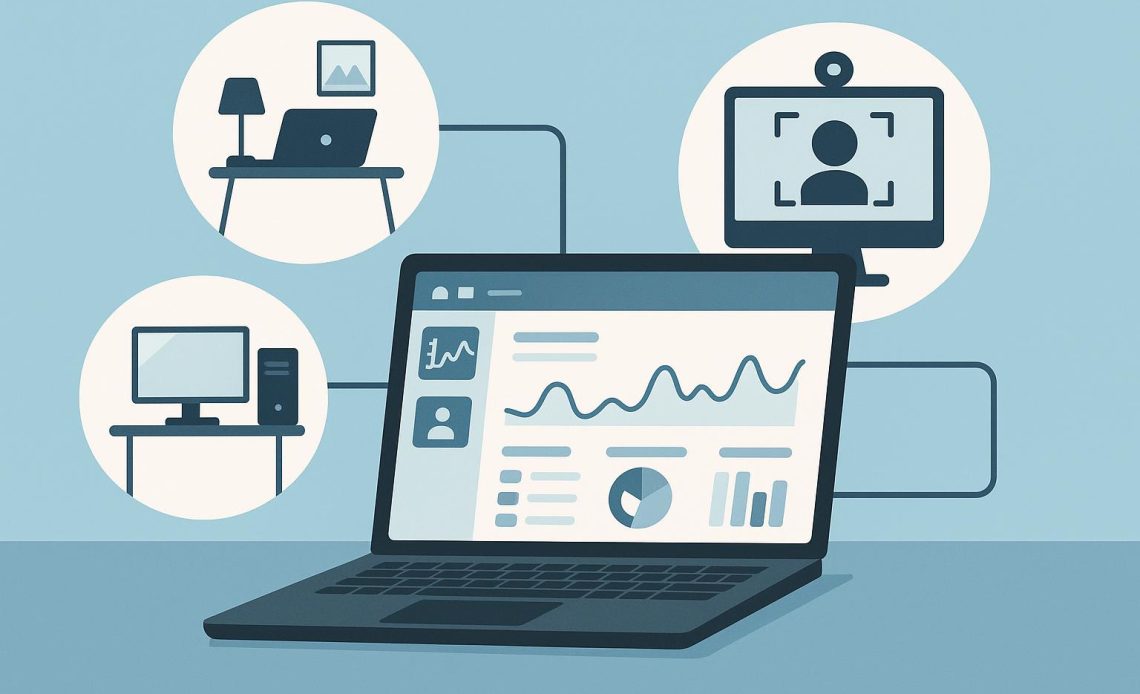
The modern digital world brings lots of opportunities for performance optimization, but also plenty of distractions that can ruin it. If your business is highly dependent on remote work, you plan to arrange it this way, or you merely want to assess how employees spend time in-house, employee monitoring software is the right answer to these silent questions.
At a first glance it may seem that such tools are favorable for employers only. In reality, employees need them also. Such tools help optimize time and productivity, reducing the need for overtime. In addition, these tools also allow more accurate assessment of performance metrics, including follow-up salary increases and benefits.
However, the advantages this software brings is much broader. In this review, you will learn more about its benefits as well as get the TOP 5 suggestions to optimize your work seamlessly.
What’s Employee Monitoring Software?
Employee monitoring software is a tool that tracks and assesses employees’ performance during a working day. This software can be installed on both work and personal equipment. However, in the latter case, the employee has to provide explicit consent for monitoring.
Employee monitoring tools nowadays have expanded their functions significantly. They never limit their functionality to mere time tracking. They also make detailed data analyses and prepare reports. In addition, they also ensure seamless integrations with other apps. The scope of benefits this type of tool provides is impressive now.
Why It’s Worth Using Employee Monitoring Software?
Beyond enhanced productivity, this software also has many other valuable implications:
- Cutting costs. Instead of reserving separate jobs for performance control, the company may easily automate performance tracking by using employee monitoring tools.
- Better control of remote teams. Regardless of their locations, employee monitoring tools will accurately track their time and task completion.
- Boosted compliance. If your employees handle sensitive data, employee monitoring software will help you prevent any costly compliance breaches.
- Enhanced security. This tool will also detect timely common cybersecurity threats, such as spam messages. It signals such activities and blocks them instantly.
On top of those, some employee monitoring tools also ensure sufficient scalability. Once the scope and volume of your operations grow, you may effortlessly tailor this solution to your growing needs without threatening or delaying performance results.
TOP 5 Employee Monitoring Software
Modern realities offer an unparalleled number of employee monitoring tools. If you are looking for reliable options, experts suggest these remote work tracking software solutions as some of the most versatile and reliable ones.
1. Kickidler
It’s a #1 choice for companies that seek all-in-one and scalable monitoring solutions. A user-friendly interface and advanced security features back its powerful functionality. It shields the working environment from the most common threats and scams; this feature has great importance for remote employees.
On the other hand, this software is very convenient to use, both in terms of monitoring and reporting. This employee monitoring software has the following features:
- online monitoring for remote workers;
- work hours tracking;
- assessment of employee efficiency;
- tracking apps and websites used;
- ongoing video recording;
- accessing employees’ PCs remotely.
This employee monitoring tool is great for optimizing workforce performance and ensuring overall compliance. No excessive features, only robust functionality and security.
2. ProofHub
It’s another versatile employee monitoring software that facilitates remote project management and productivity assessment. Progress monitoring is one of its most valuable features once the tool collects and analyzes essential information from different channels.
This software is helpful in project management since it assists with prioritizing work and making sure all team members are on the same page. The tool has the following main features:
- manual and automated time tracking;
- detailed time sheets and project reports;
- activity tracker and priority labels.
The tool is overall great for companies that want to optimize their processes and the projects they handle.
3. Time Doctor
To some extent, it’s a classical option that is widely used across the globe. While its recent version now lacks some robust features, its functionality is still decent. However, mostly large and medium-sized businesses find it appropriate since this employee monitoring tool allows managers to track their remote employees and freelancers effectively. The tools have the following features:
- working hours tracking;
- real-time employee monitoring;
- making screenshots and recording keystrokes;
- tracking opened apps and websites.
This employee monitoring tool is good if you prioritize time assessment over performance tracking.
4. Timely
This software is a kind of hybrid between an employee monitoring tool and a task scheduler. It was originally developed to track teams and freelancers when working on different projects remotely. The tool overview has an easy-to-use interface, and it’s also simple to integrate it into different internal processes.
However, it perfectly suits startups and small businesses, while medium-sized and large companies may not find it 100% appropriate because of the lack of scalability. Overall, it’s a decent tool for numerous assignments:
- automatic time tracking;
- monitoring idle time and unproductive activities;
- navigating the built-in task scheduler;
- integrating with team communication and project management tools.
If you are looking for a tool that is easy to use and integrate, Timely is the right one.
5. Apploye
It’s one of the most detailed time trackers with screenshot options and other productivity features that help in-house, remote, and hybrid teams keep a high productivity level. This tool is flexible and scalable and has an overall intuitive interface. Besides that, Apploye also has the following features:
- time tracking and manual time entry;
- webpage and app usage monitoring;
- client invoicing;
- employee GPS location;
- idle time tracking.
This tool is a good choice for those companies that value productivity and seek solutions to help optimize it.
Bottom Line
Spending time effectively is equally good for both employees and employers. Assessing that manually may not be a good idea since there are helpful tools that ensure automated time and performance tracking. The TOP 5 tools mentioned in this review will ease your life, streamline business processes, and improve performance tracking with your minimal effort.