
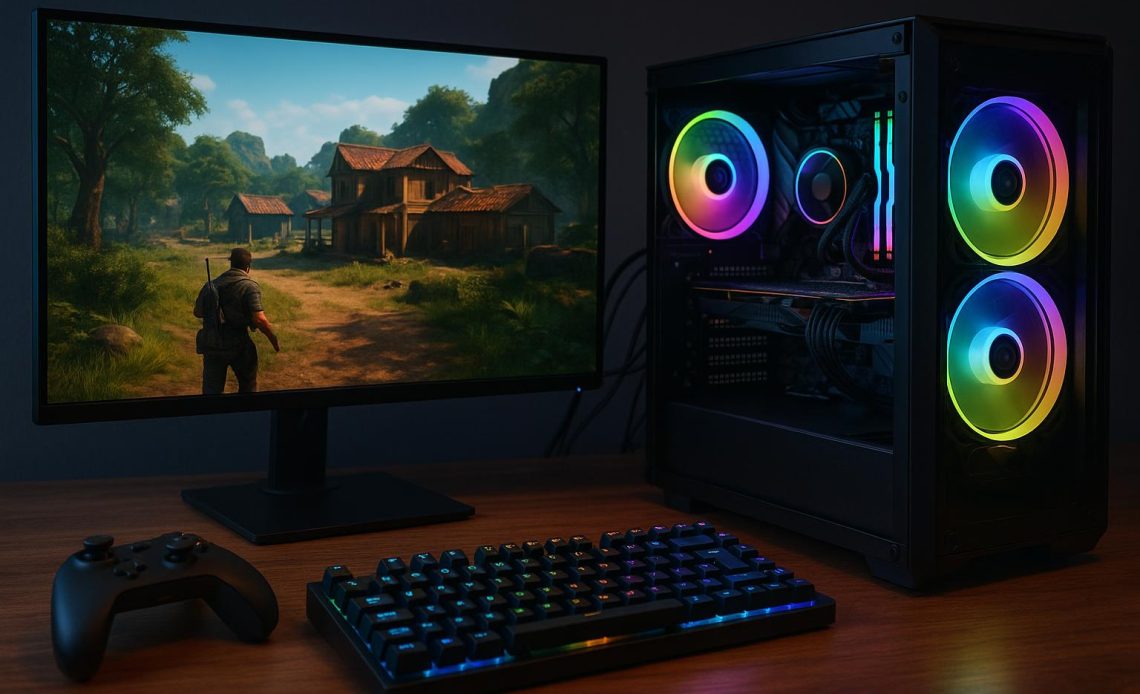
Shopping for a gaming computer has a way of turning ordinary people into overwhelmed ones. Within ten minutes you’re drowning in processor generations, GPU model numbers, and RAM speeds, trying to compare machines that all claim to be “ultimate.” Here’s the secret that cuts through all of it: stop starting with the hardware. Start with the games.
Step One: Let Your Games Pick Your GPU
Every game publishes system requirements, and the graphics card is the component that matters most for gaming performance. So before comparing any prebuilt gaming PC listings, write down the three or four games you actually play or plan to play, look up their recommended (not minimum) specs, and note the GPU tier they call for. That single piece of information filters the market better than any review roundup.
As a rough 2026 map: competitive titles like Valorant, Fortnite, and Counter-Strike run beautifully on entry-level cards in the RTX 5060 class. Big open-world and AAA single-player games at 1440p want something in the 5060 Ti to 5070 Ti range. And if you’re chasing 4K, high refresh rates, or heavy ray tracing, you’re shopping the 5080 and 5090 tier, with prices to match.
Step Two: Understand the Three Price Bands
Prebuilt pricing clusters into recognizable tiers, and knowing them prevents both overspending and regret.
Entry level, roughly under $1,500, delivers smooth 1080p gaming at 60 frames per second and up. This is where most people should start, especially for esports-focused households.
Mid-tier, about $1,500 to $2,000, is the sweet spot for most buyers: excellent frame rates at 1080p, strong 1440p capability, and components with years of headroom.
High-end, $2,500 and beyond, buys top-shelf GPUs, premium cases, and bragging rights. Worth it for enthusiasts and content creators; overkill for someone playing Minecraft and Roblox.
Step Three: Check the Boring Specs That Age Well
Beyond the GPU, a few line items determine whether a machine still feels good in year four. Look for 32GB of DDR5 memory, which has become the new standard on quality builds. Insist on NVMe SSD storage, ideally 1TB minimum, because game install sizes keep ballooning. And glance at the CPU class: a current Ryzen 7 or Intel Core Ultra 7 pairs well with mid and upper GPUs without bottlenecking them.
Step Four: Judge the Builder, Not Just the Build
Two identical spec sheets can hide very different purchases. Before buying, check three things about the company itself. First, the warranty: the better system integrators now include multi-year parts and labor coverage, with three-year terms appearing on some prebuilt lines, a far cry from the 90-day coverage of the bad old days. Second, upgrade room: standard motherboards, spare RAM slots and drive bays mean the machine can grow instead of being replaced. Third, real customer reviews and an actual support channel, because the difference between a good and bad prebuilt experience usually reveals itself after something goes wrong.
The Payoff of Shopping This Way
Choosing games-first flips the entire experience. Instead of comparing thirty machines against each other, you’re comparing each machine against your actual needs, and most of the market instantly becomes irrelevant. The overwhelmed shopper drowning in model numbers and the confident one who orders in twenty minutes are looking at the same websites. The only difference is that one of them knew what question to ask, and it was never “which PC is best?” It was always “what do I want to play?”