
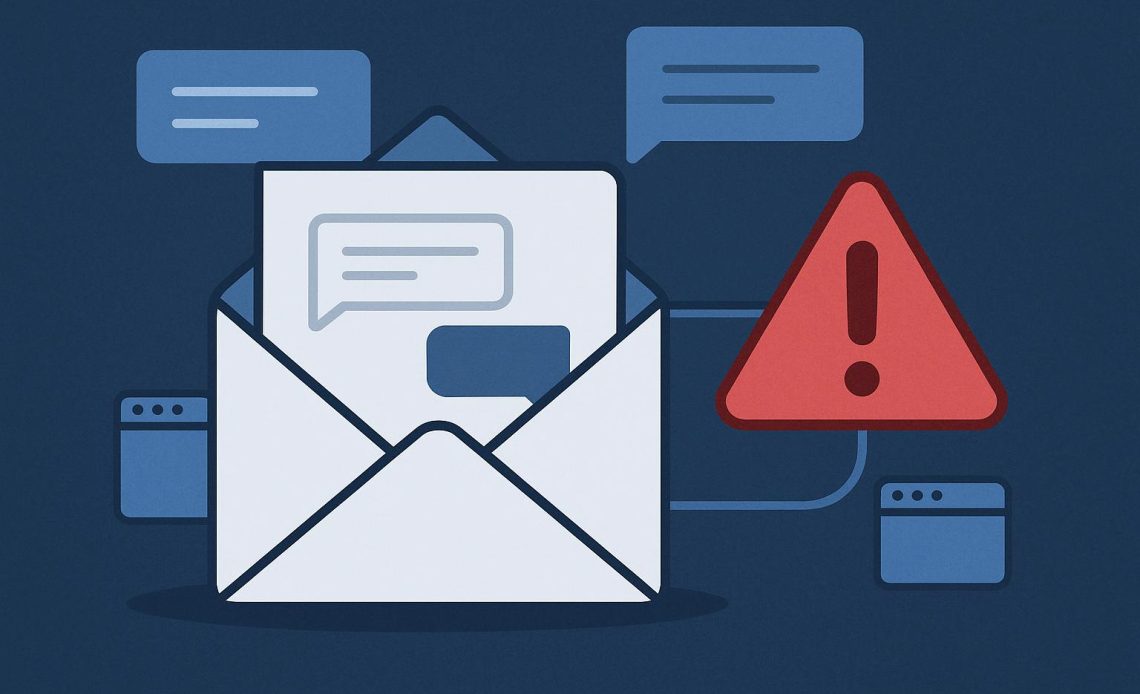
It’s a typical day at the office, and you’re having a back and forth with a client via email to finish the details of a project. Suddenly, the tone of the messages changes, and they’re pressuring you to send money, right this minute. Sounds fishy? At this point, you’ve got every reason to be suspicious as cybercriminals may have hacked your inbox to compromise your privacy, steal business funds, or ruin your company’s reputation.
Conversation hijacking makes up just a small portion of all social engineering attacks, but data shows that this has become increasingly common over the recent years. A study reveals that there has been a 270 percent increase in conversation hijacking incidents, with threat actors taking over existing business conversations or creating new threads based on information that they’ve gathered. To get their money’s worth, hackers may demand large payouts or hold stolen data for ransom since this requires a lot of time and effort to set up. The repercussions of this cybercrime can be devastating, so here’s what you need to know about conversation hijacking, and what you can do to protect yourself from scammers.
How it Starts
A typical conversation hijacking setup happens in three parts. First, the attacker gains access to a target’s email accounts through malware or phishing emails. Once they’re inside, the hacker reads past emails and looks for invoice processing, ongoing deals, and upcoming payments. They may also monitor the email account to get a general idea of how the business works. The attacker will usually execute the plan on the day when a payment or data transfer is due. They may either reply using the compromised account, or send a message using a new email address that looks similar to the original. Since the email is part of an ongoing conversation, victims automatically assume that it’s safe to wire money or send sensitive information.
Cybersecurity-conscious businesses are proactively preventing business email compromise through regular employee training and integrating BEC security into their systems. This contains threats within minutes by disabling the compromised account, then stopping the attacker before they can steal sensitive data, demand payment, or create inbox rules. It’s an effective way to eliminate threats before they can damage a business.
This cybersecurity solution could have helped to prevent documented instances of conversation hijacking, such as the Crelan Bank incident which took place in 2016. The Belgian bank is said to have lost about $75 million as cybercriminals spoofed the CEO’s email to fool the finance department into wiring the said amount overseas. Though the bank assured that their existing customers were not impacted by the attack, the breach caused panic and loss of trust, leading to a drop in public confidence.
Red Flags to Look Out For
How do you know if your inbox has been compromised? Apart from looking for changes in tone, word choices, and digital body language, you also need to be on the look out for sudden payment changes. If the client, for instance, asks you to wire money to a new bank account, or if they insist on changing the payment method for an ongoing deal, treat this as a red flag. You could also receive a reply on an old or inactive thread during odd hours, or receive attachments that you never asked for. The attacker may even send you a message using the original email address, but instruct you to send a reply to a new email address that is slightly misspelled (using n instead of m, or 1 instead of the letter l).
Take Action to Thwart Scammers
Taking swift action is necessary to stop scammers before they can take over your email accounts. First, turn on Multi-Factor Authentication on all your accounts to give your inboxes an added layer of protection. Always look closely at the email address, and look for changes in spelling or domain. You should also regularly check your email settings for any changes since attackers may enable instant forwarding or new filters. Lastly, be sure to always have an alternative way to communicate with senders. To verify changes in payment details or instructions, always call the sender through the number that you already know, and don’t use new numbers provided in the email.
Threat actors are constantly on the look out for ways to steal money or sensitive data from businesses and organizations. Protect your inbox, trust your instincts, and have cybersecurity solutions in place to prevent hackers from taking over your email accounts.